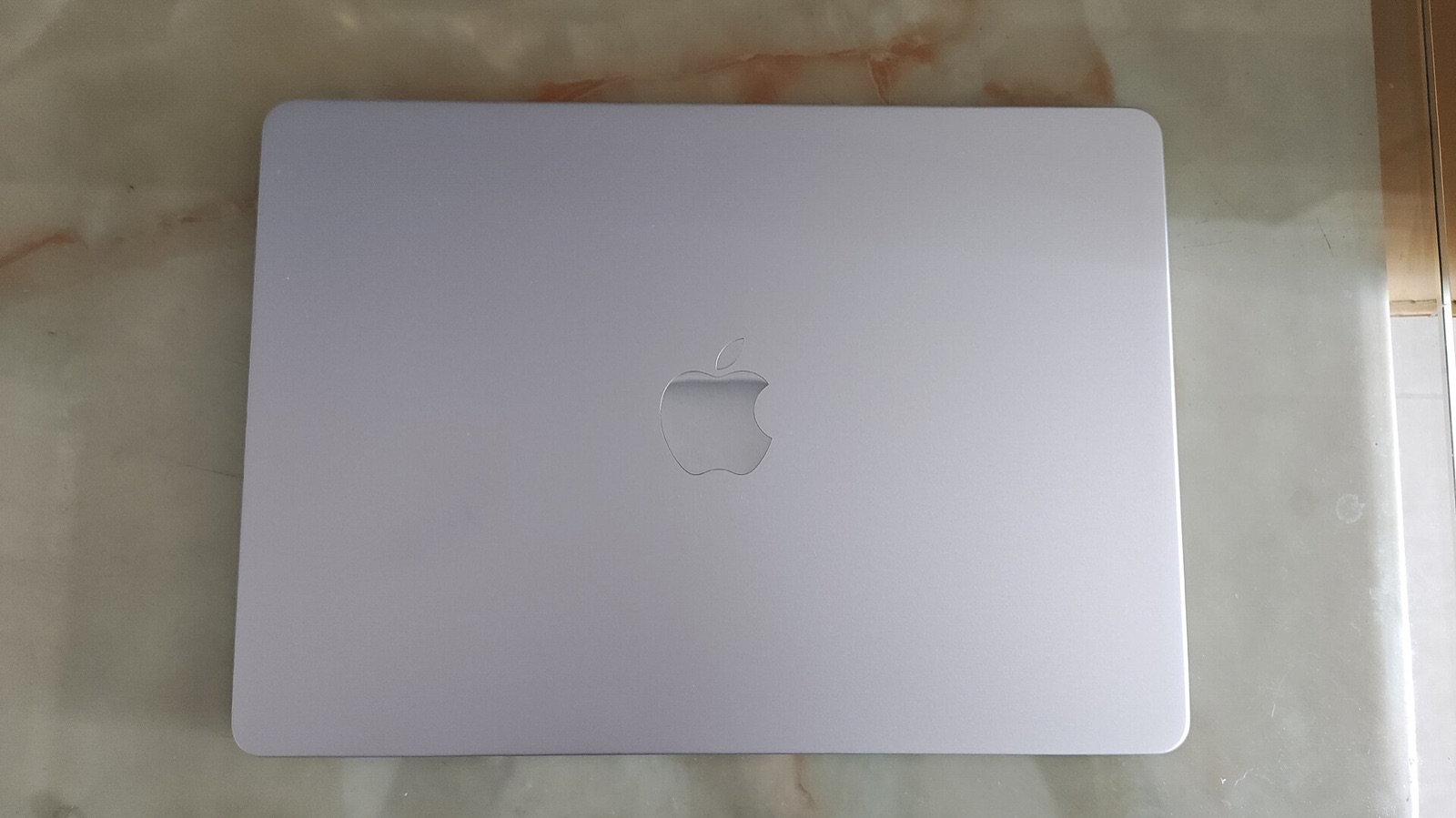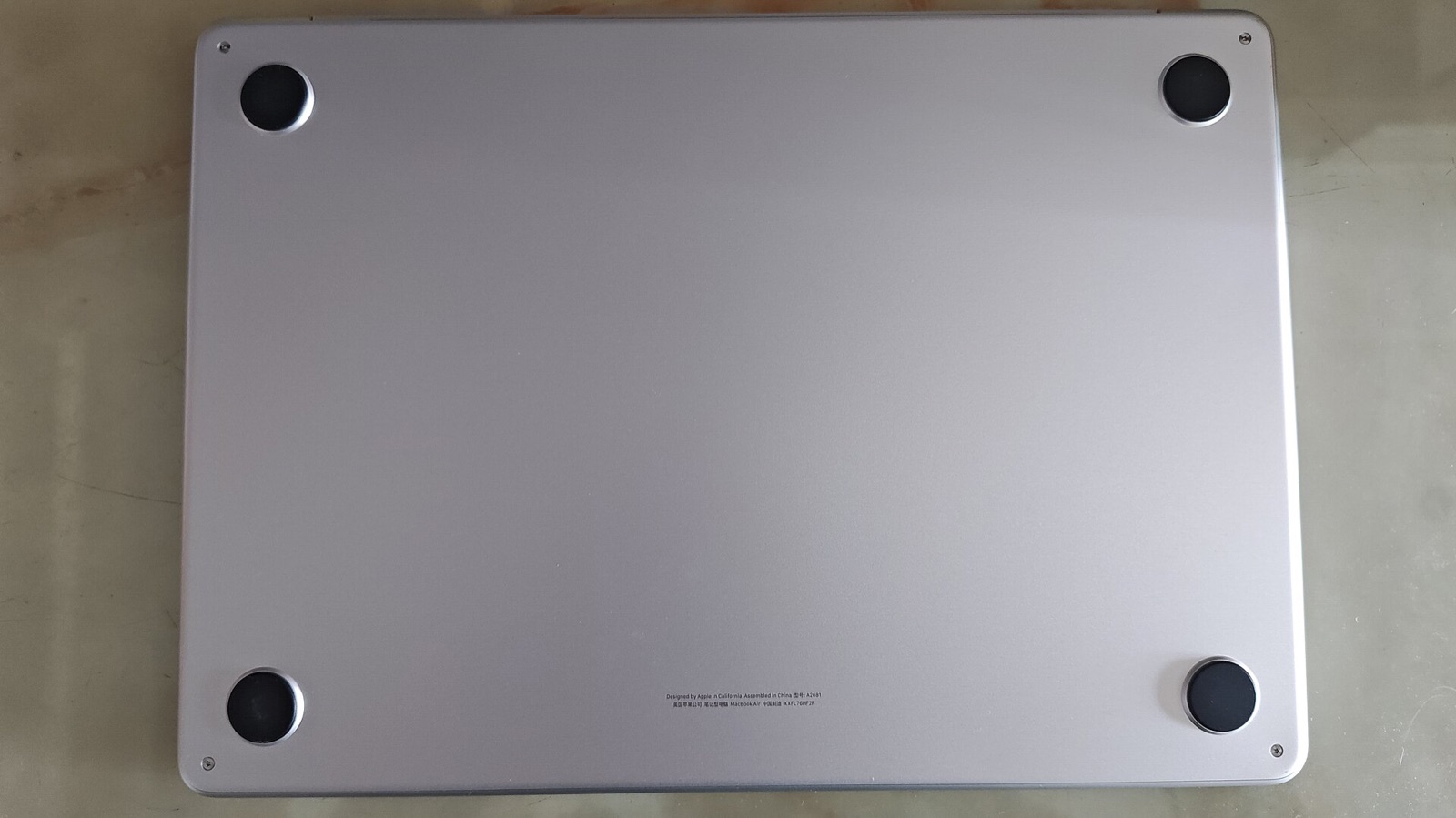
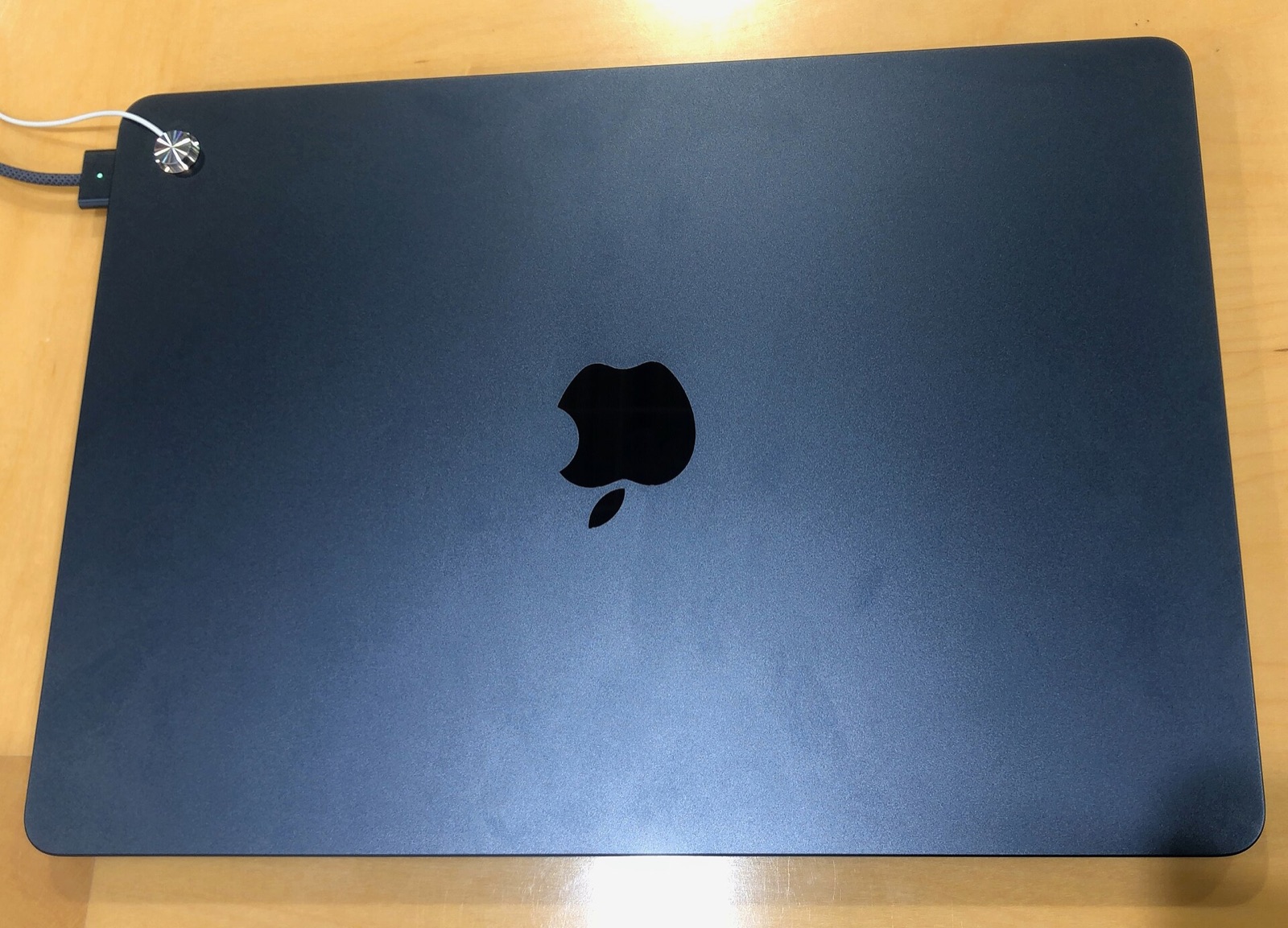
The MacBook Air M2 is no longer the newest laptop in the room, which is precisely why it has become easier to judge. It has had time to settle into real workflows, and its strengths remain focused: low weight, quiet operation, strong battery life, and enough performance for most people who do not edit longform video all day.
This review weighs those strengths against the two-port design, the amount of memory that should be specified at purchase, and the newer alternatives that now compete for the same desk space.
A shape built for leaving the house
The M2 Air’s most important feature is not a benchmark result. It is the way the laptop disappears into a bag without demanding a special sleeve, a large charger, or a plan for cooling. The fanless enclosure stays silent during browsing, writing, spreadsheets, and most photo-editing sessions.
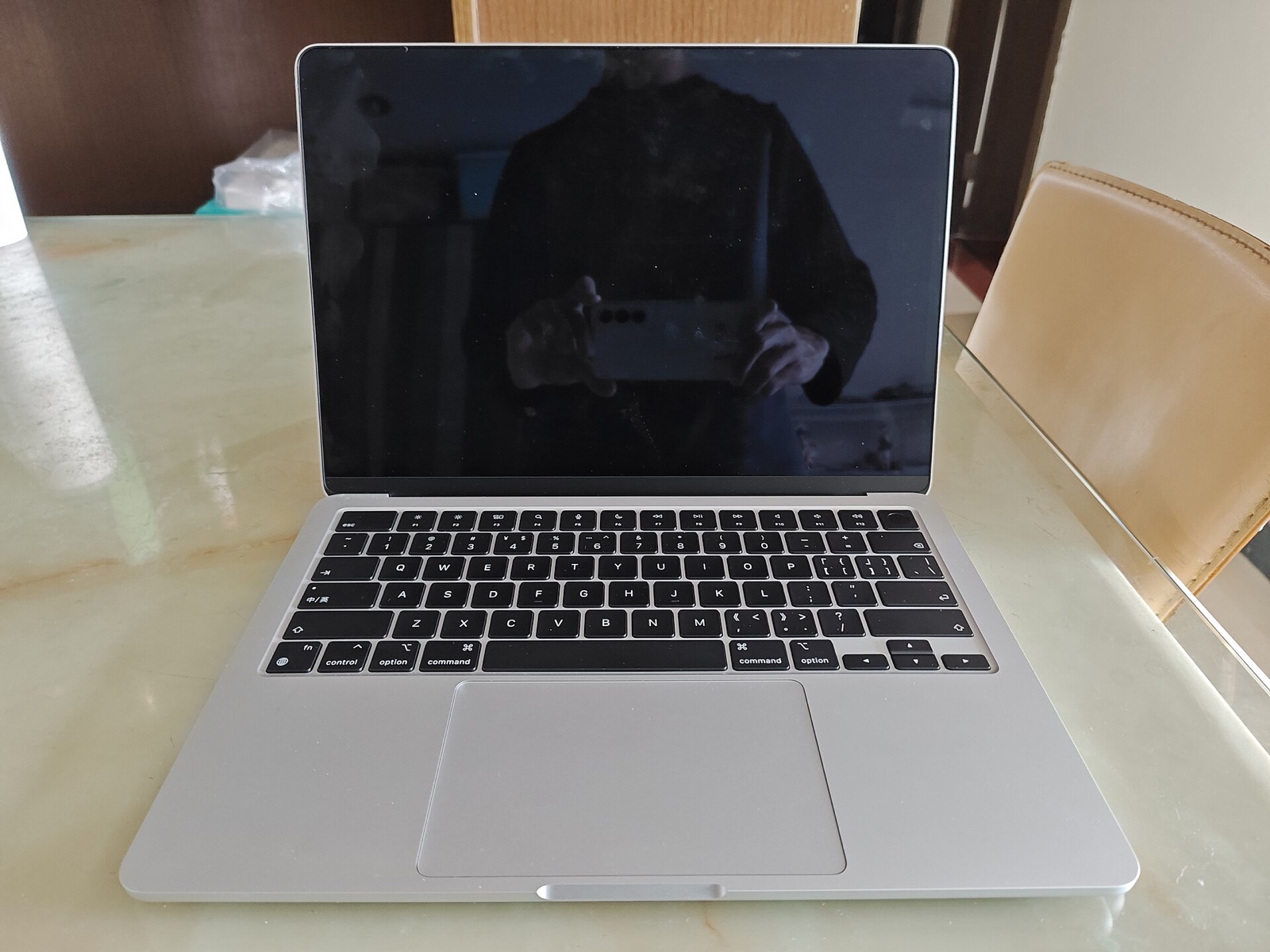
The 13.6-inch Liquid Retina display gives text a clean edge and leaves enough vertical room for documents without making the laptop feel oversized. The notch is visible, but it becomes background noise quickly. The keyboard and large trackpad are excellent, and the MagSafe charging port means an accidental cable tug is less likely to take the laptop with it.
Everyday performance without fan noise
For browser-heavy work, writing, light coding, and basic photo editing, the M2 chip remains responsive. Apps open quickly, the machine wakes reliably, and sustained work does not produce the fan whine common on older Intel-era ultraportables. Long exports and heavier gaming are a different story; this is a laptop optimized for civil workloads.
Memory is the specification to think about most carefully. An 8GB machine can handle ordinary work, but buyers who keep many browser tabs open or expect to use the laptop for several years should choose more memory if the budget allows. Storage is harder to expand later for the same reason: plan for the files you will actually keep locally.
The ports and the price are the compromise
Two Thunderbolt ports are enough for a simple desk setup and a power cable, but they fill up quickly with a card reader, display, and external drive. A small hub is effectively part of the ownership cost for photographers and people who use wired peripherals.
The M2 Air makes the most sense when its price falls below the newest Air. At full retail, buyers should compare the M4 model and its newer baseline memory. At a realistic discount, the M2 remains a beautifully balanced travel laptop with a long useful life ahead of it.
What works
- Silent, fanless operation
- Excellent keyboard, trackpad, and display
- Light enough to carry every day
- Strong battery life for ordinary work
What does not
- Only two Thunderbolt ports
- Memory and storage are fixed after purchase
- Heavy sustained tasks eventually expose the airflow limit
Who should buy it?
- Students and writers who need a calm, portable daily laptop.
- Photo and design users whose work stays within light-to-medium editing.
- Travelers who prioritize battery life and a quiet machine.
The verdict
The MacBook Air M2 is not the obvious choice for every workload, but it is still a persuasive one for the way most people use a laptop. Buy it on a discount, choose enough memory, and it will spend years doing quiet, dependable work.